HubSpot’s cookie banner or a consent tool: which do you need?
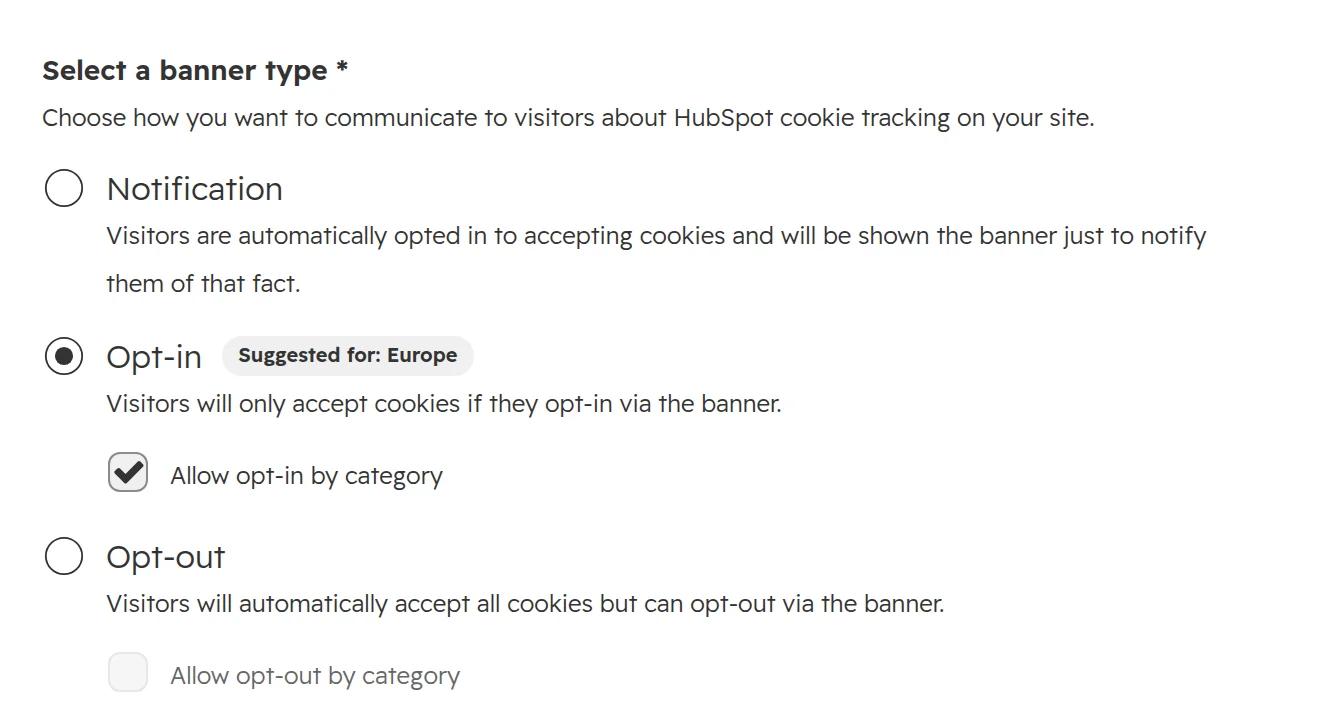
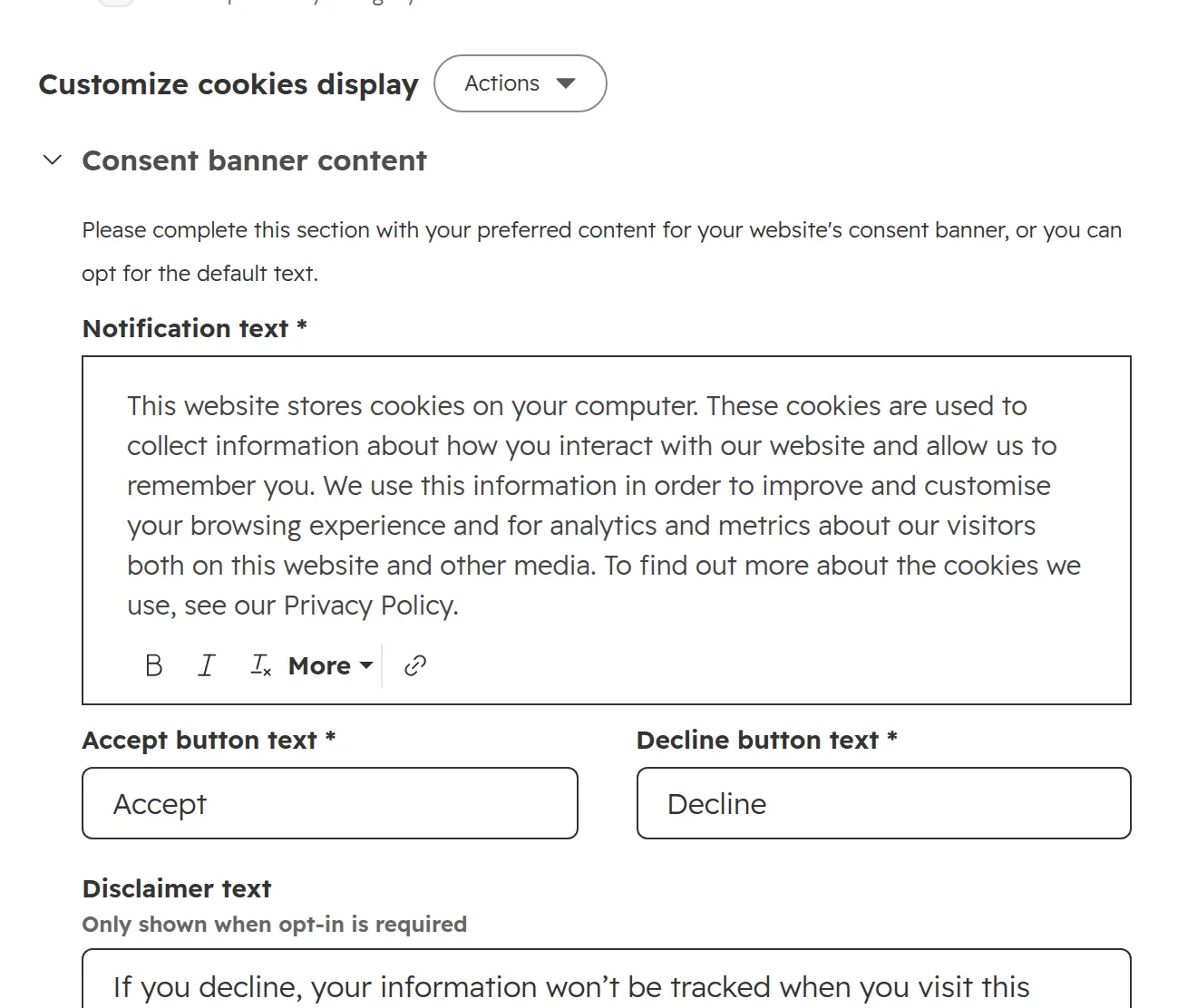
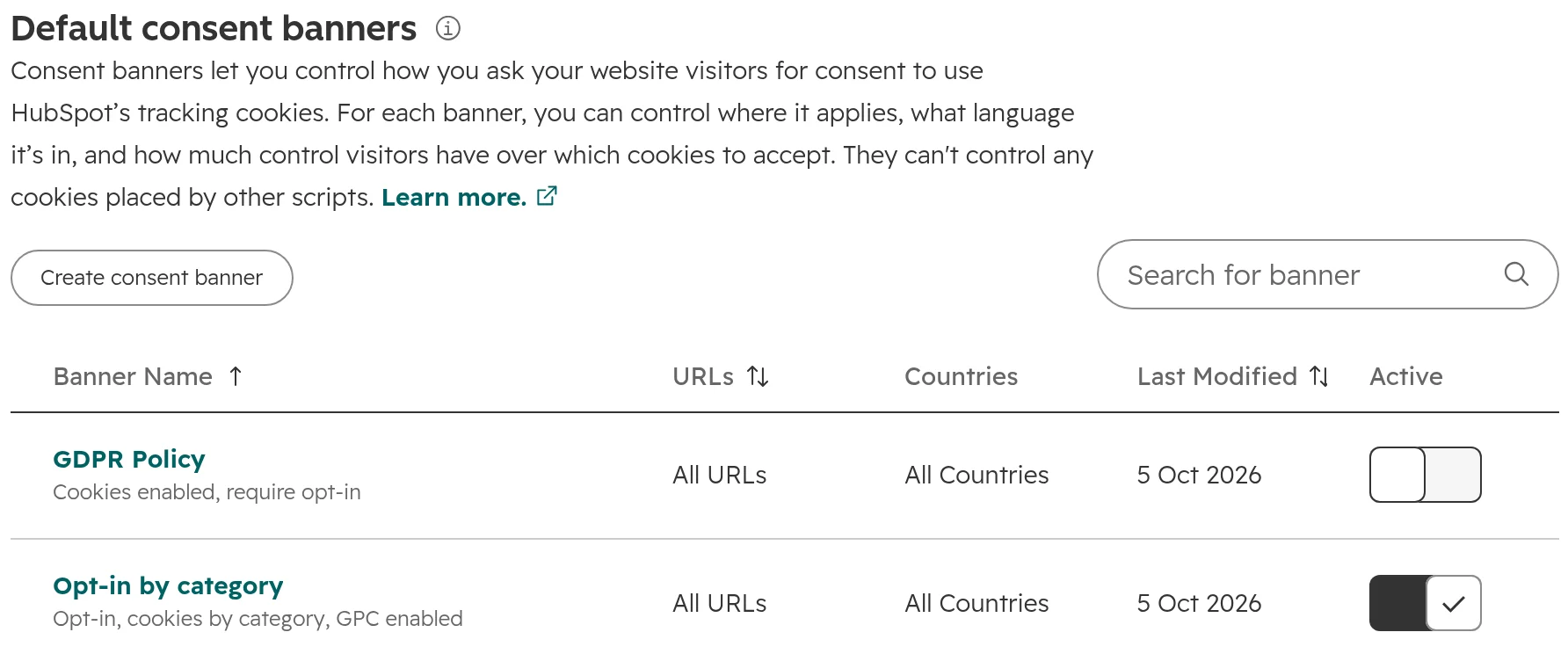
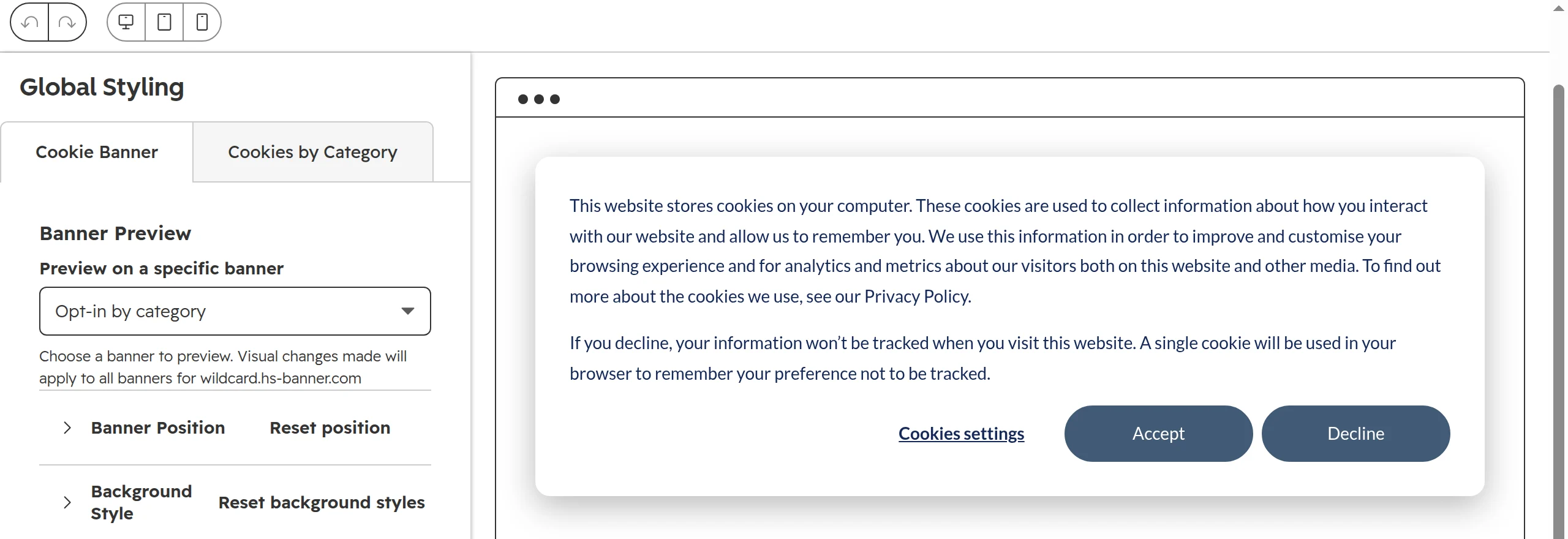
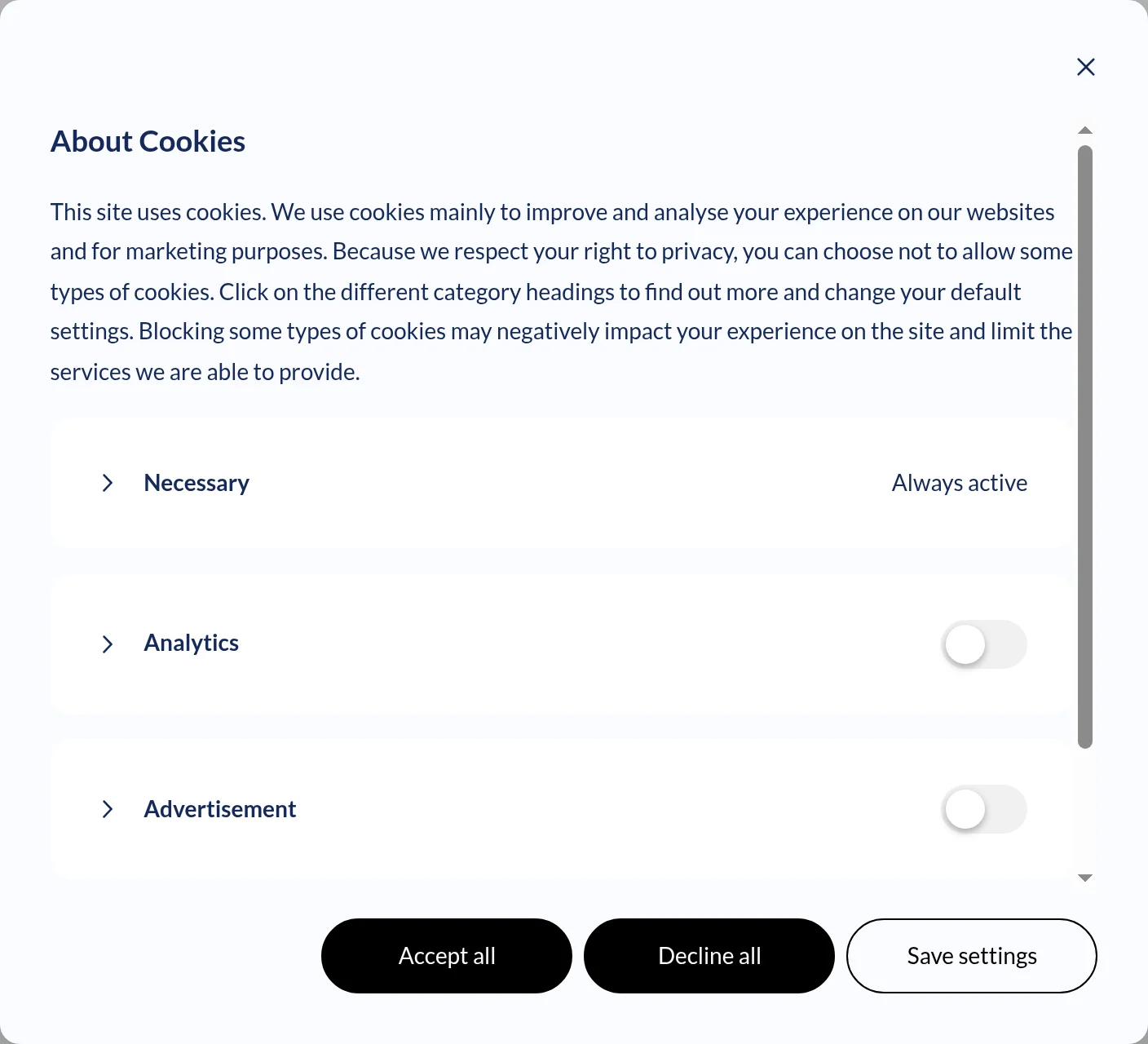
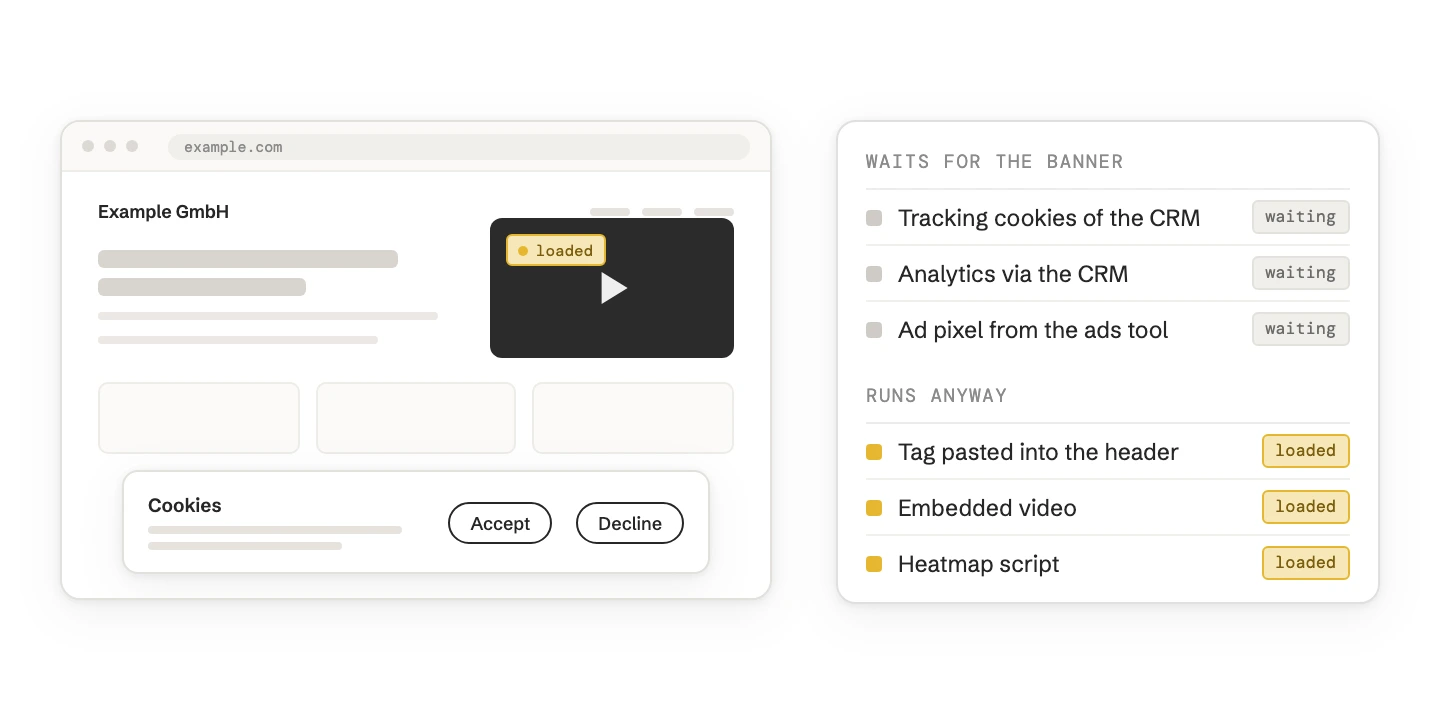
The answer depends on which scripts run on your site, and who can stop them before the visitor says yes. HubSpot’s banner can only hold back what HubSpot loads itself.
| Your set-up | What we’d use | Why |
|---|---|---|
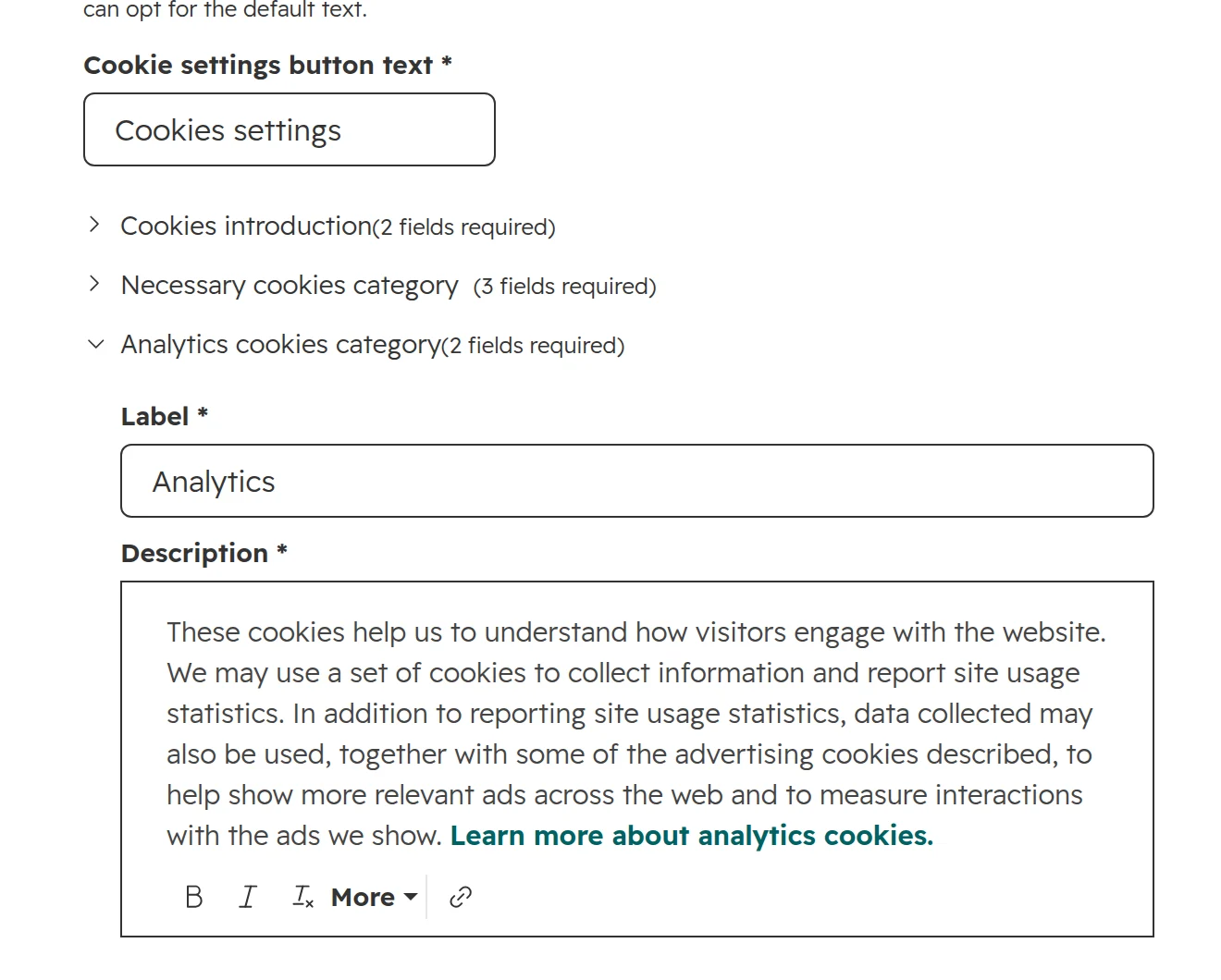
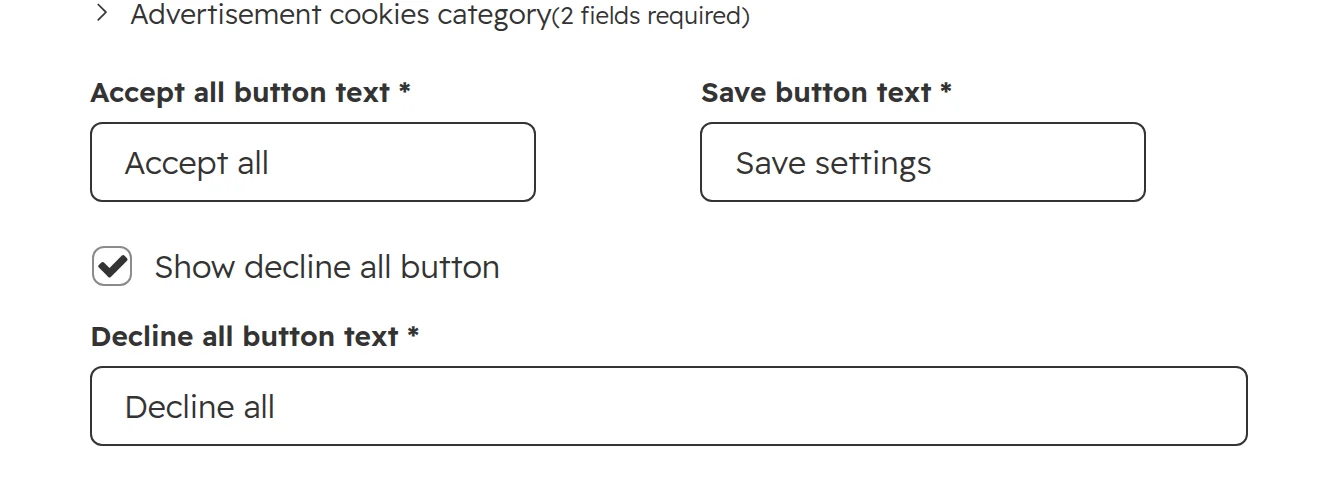
| Website, blog and landing pages on HubSpot. Google Analytics or Tag Manager connected in HubSpot’s settings | HubSpot’s banner | The banner controls everything that loads, and passes the choice to Google through Consent Mode |
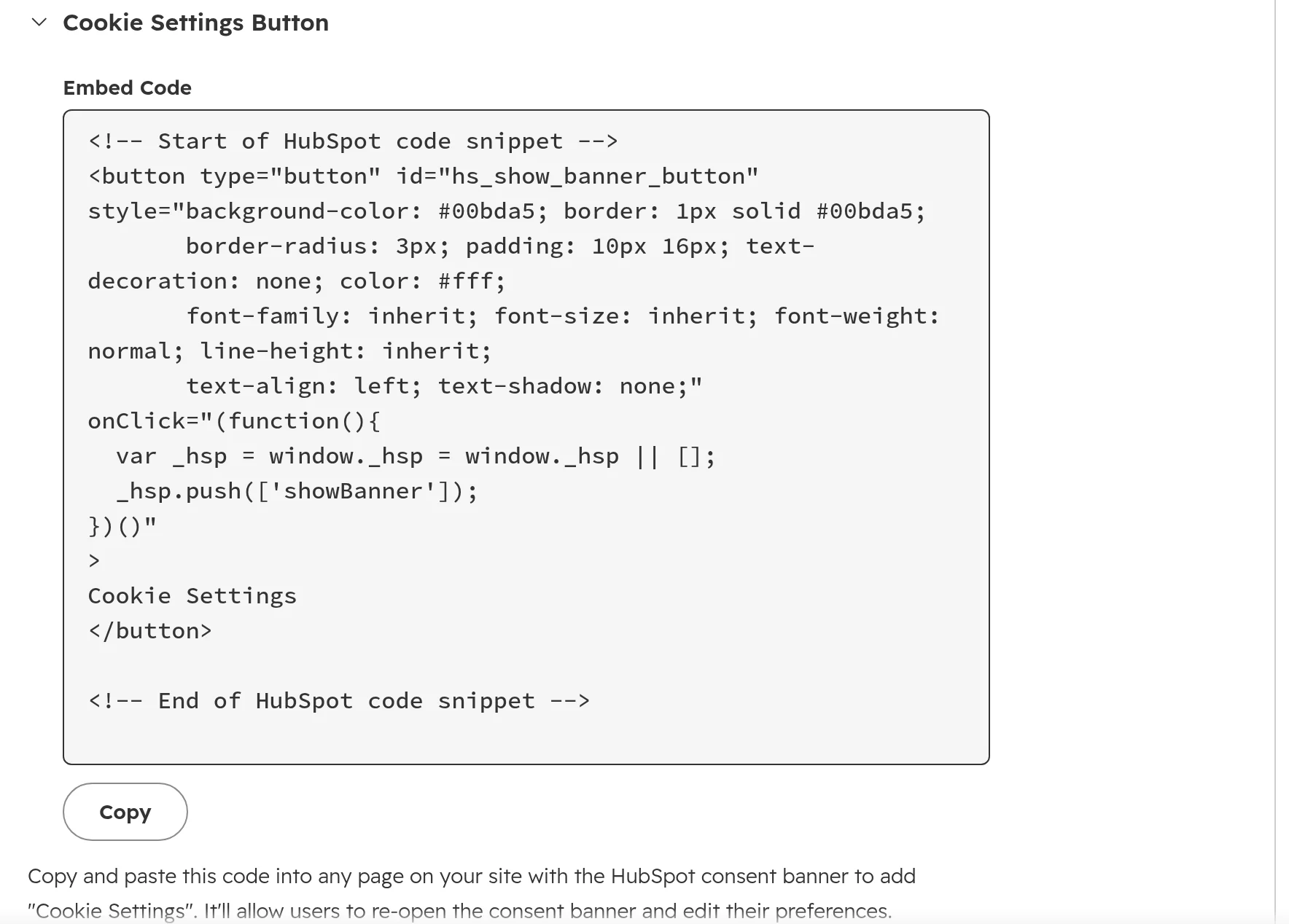
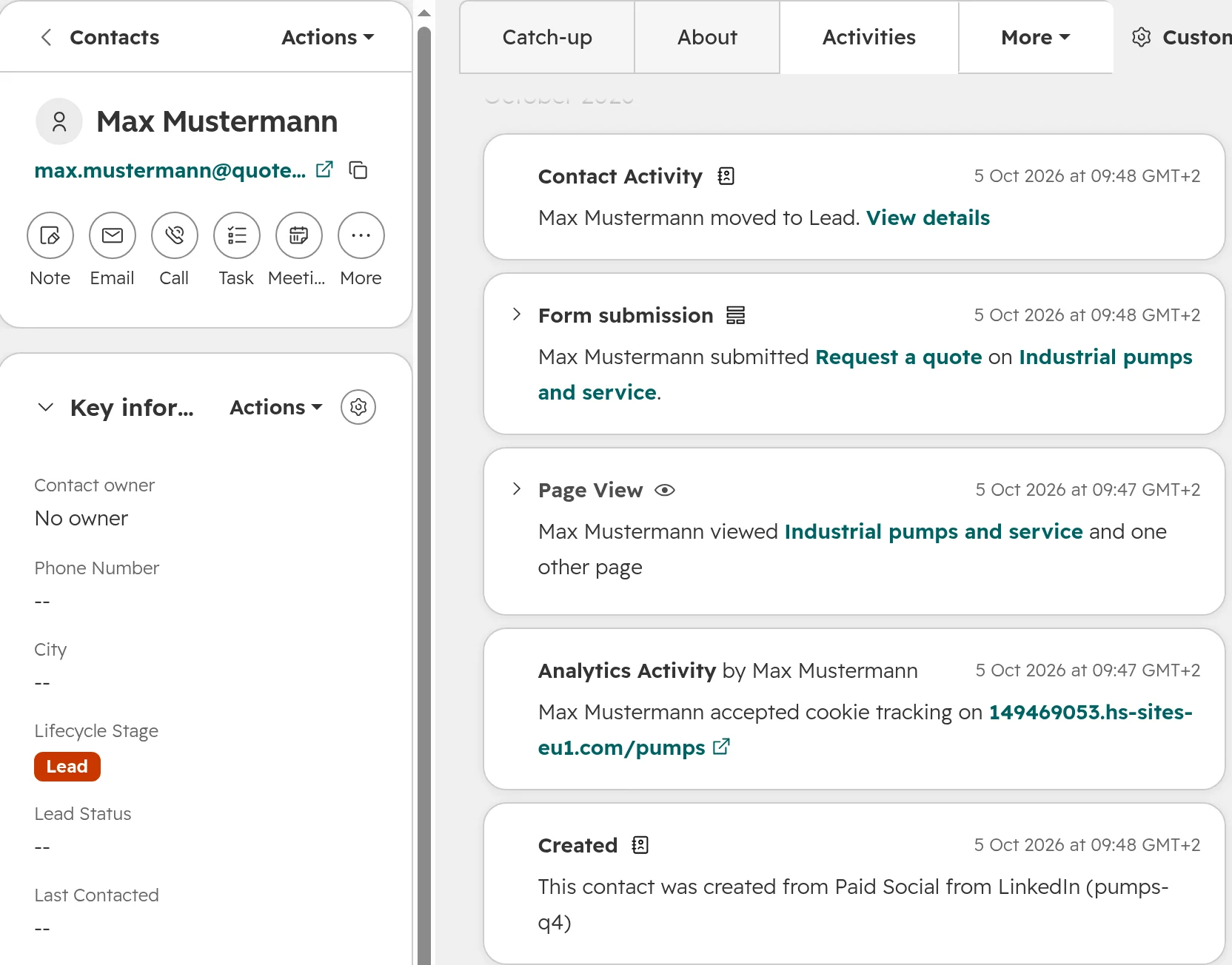
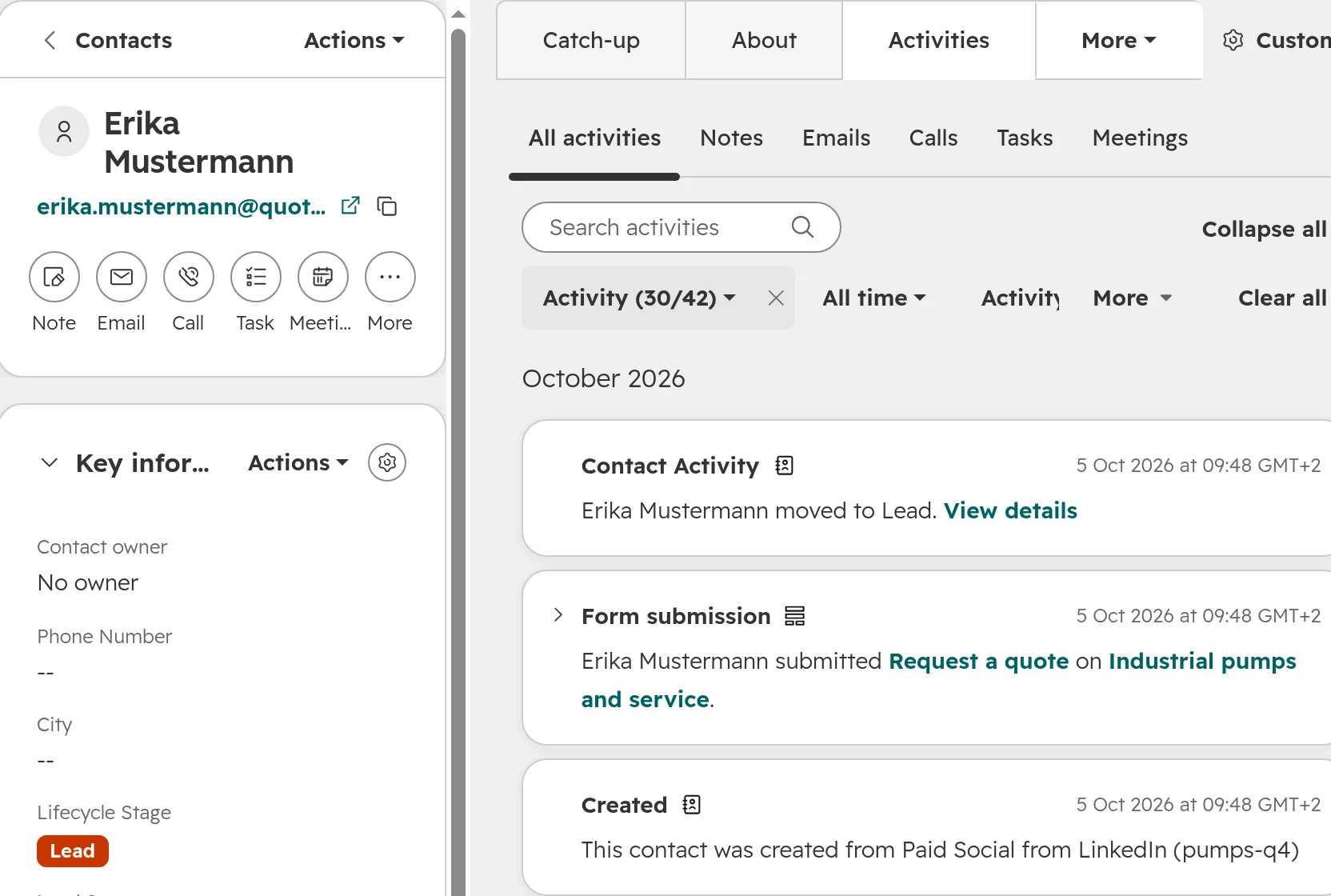
| Site on HubSpot, plus tags pasted into the header (LinkedIn Insight Tag, Hotjar, a chat from another vendor) | HubSpot’s banner, with each pasted tag wrapped in HubSpot’s consent listener | Pasted tags fire before consent unless a developer ties them to the banner |
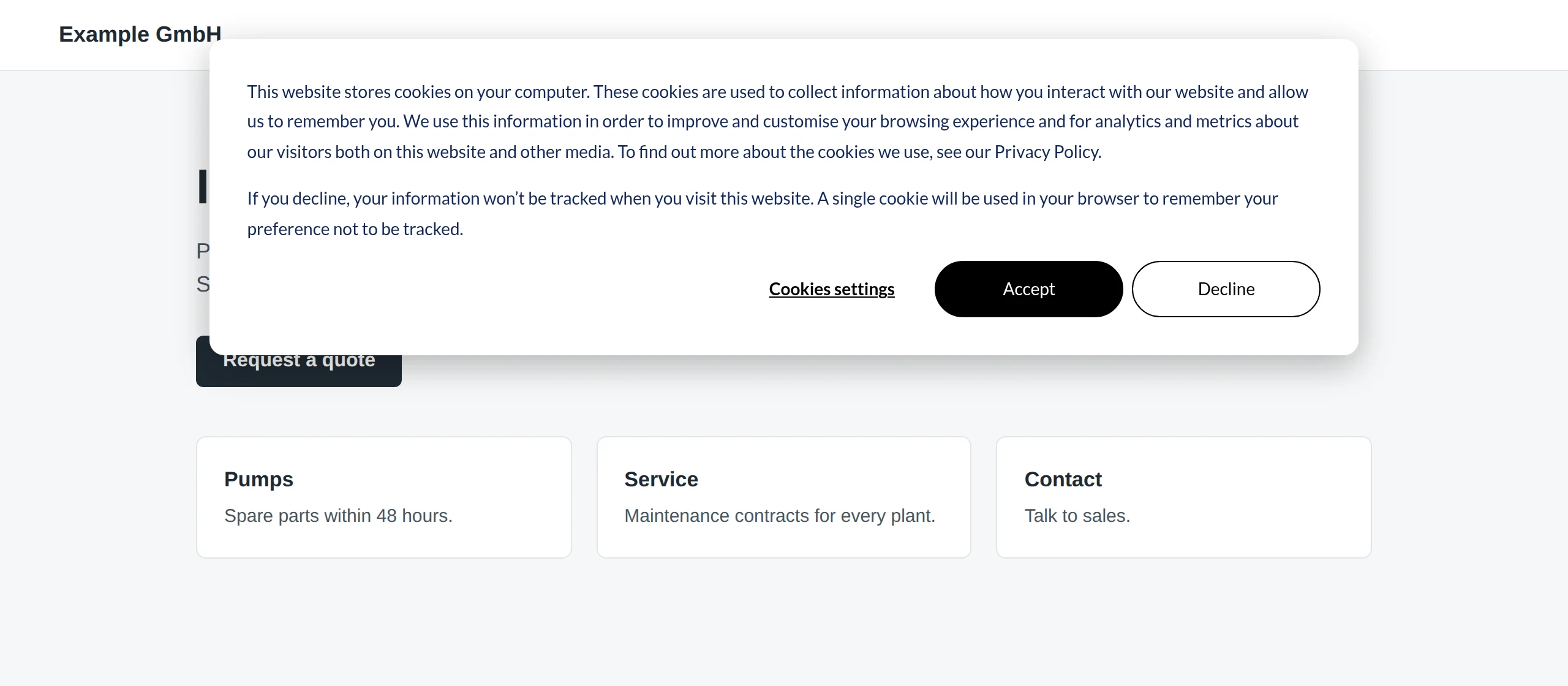
| Site on WordPress, TYPO3 or another CMS with the HubSpot tracking code and several other tools | A consent tool (Cookiebot, Usercentrics, Borlabs Cookie and similar) | The consent tool scans the whole site and blocks every tag until consent. HubSpot gets the choice through its consent API |
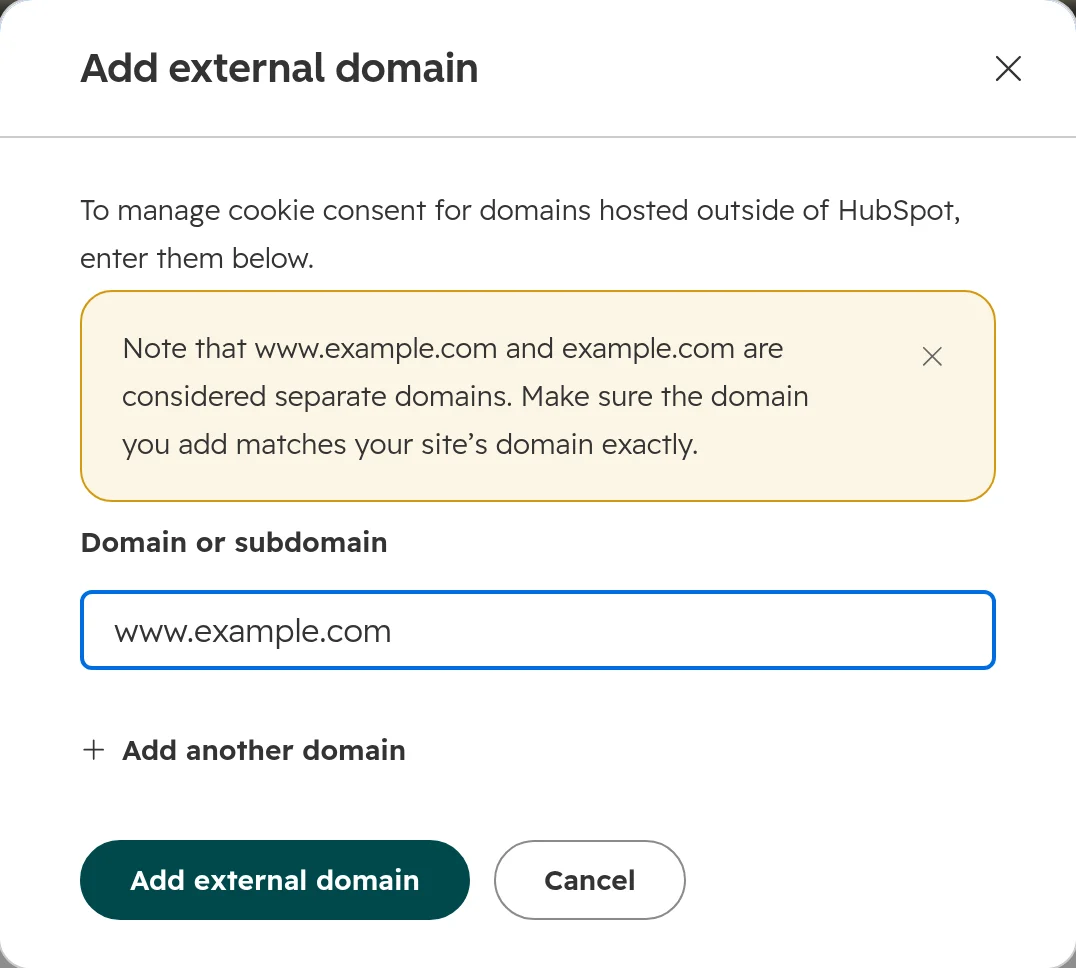
| Main site on WordPress with its own consent tool, landing pages on a HubSpot subdomain | The consent tool on the main site, HubSpot’s banner only on the HubSpot subdomain | One banner per domain. Otherwise visitors click away two banners |
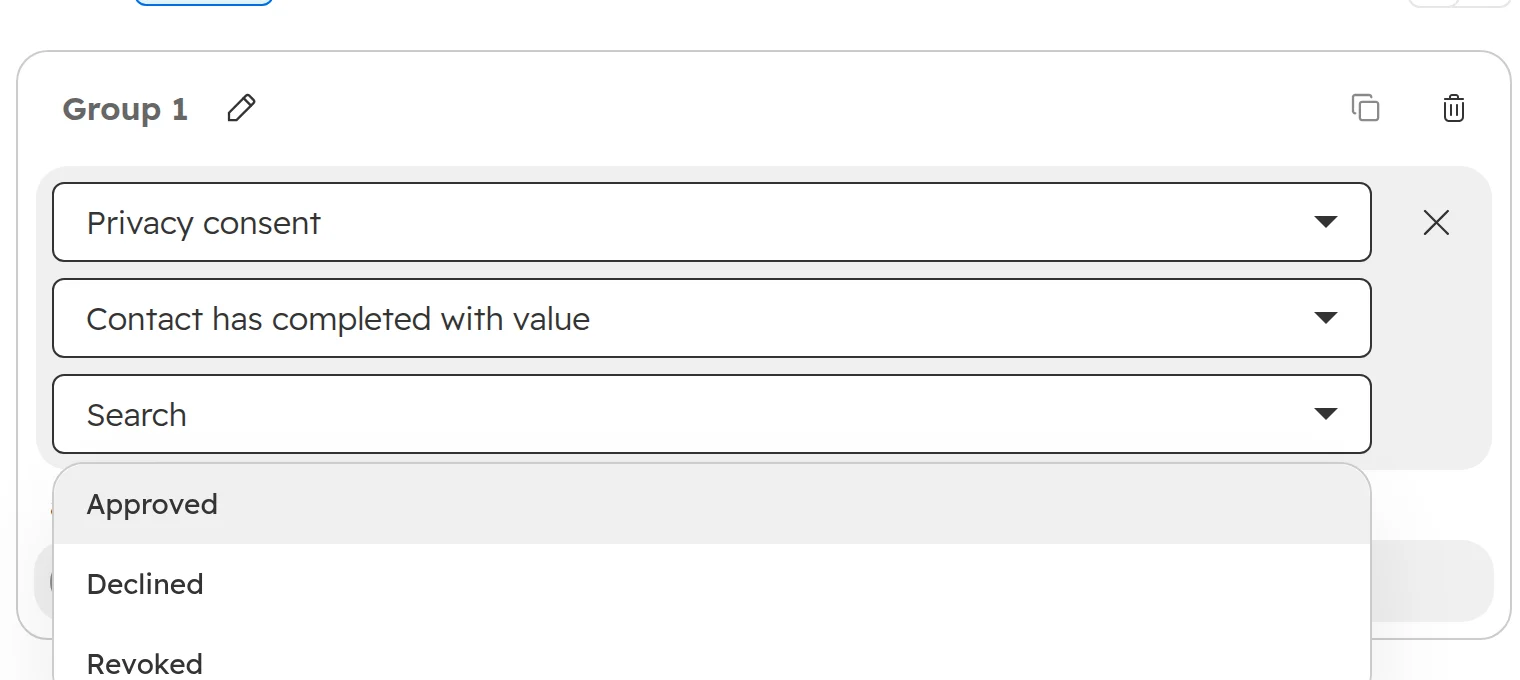
| You need a record of each consent, IAB TCF signals for ad networks, or one consent across several domains | A consent tool | HubSpot’s banner doesn’t offer these |
Our view: on a pure HubSpot site, a second tool adds cost and a second place where things break. As soon as tags arrive from other places, a consent tool is the cleaner choice, because one tool then decides for every script on the page.