What the HubSpot Teams integration can do
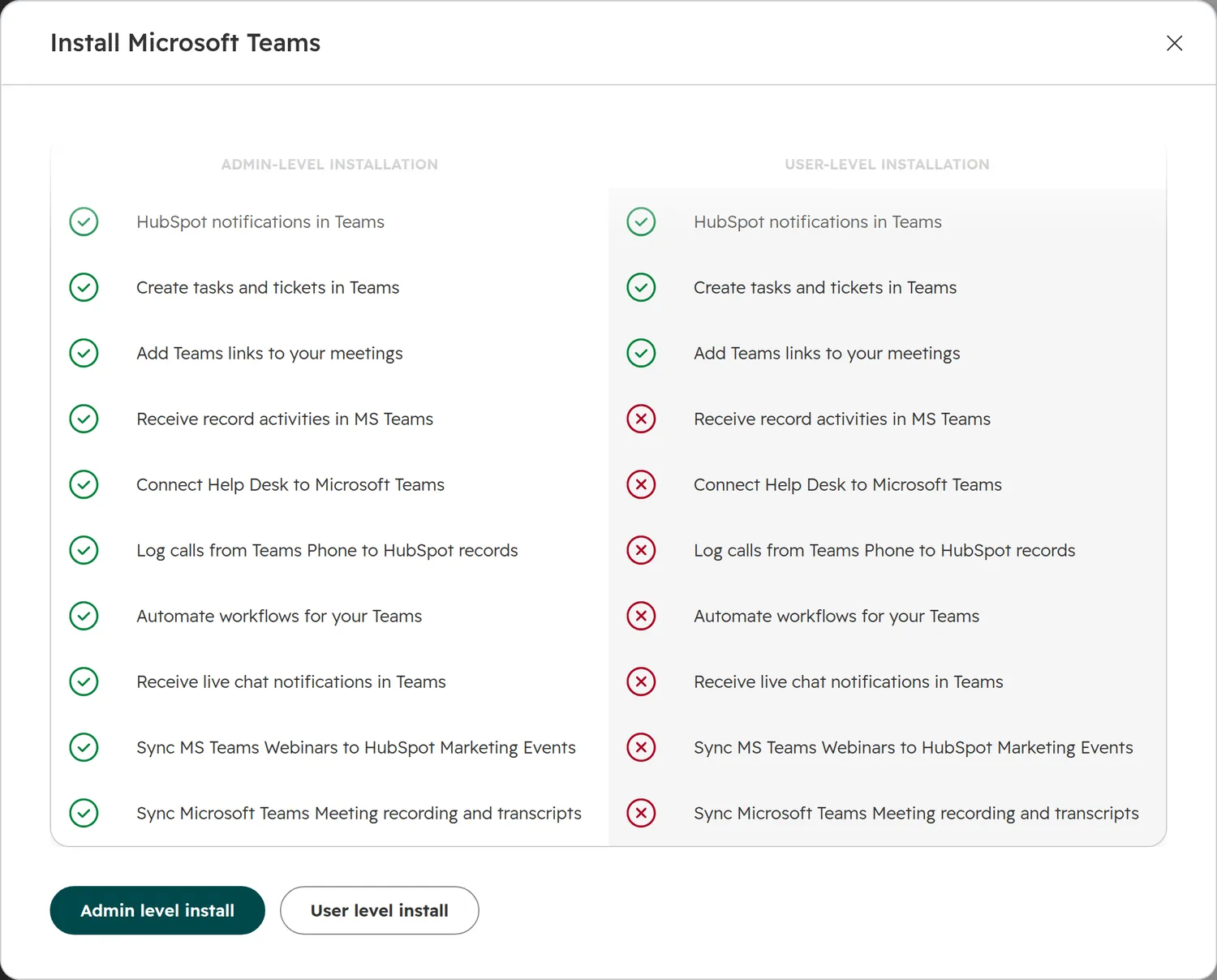
Start from what your team should see in Teams, then check what each use needs. The features sit behind different install levels, HubSpot plans and Microsoft settings.
| You want | Use | Needs |
|---|---|---|
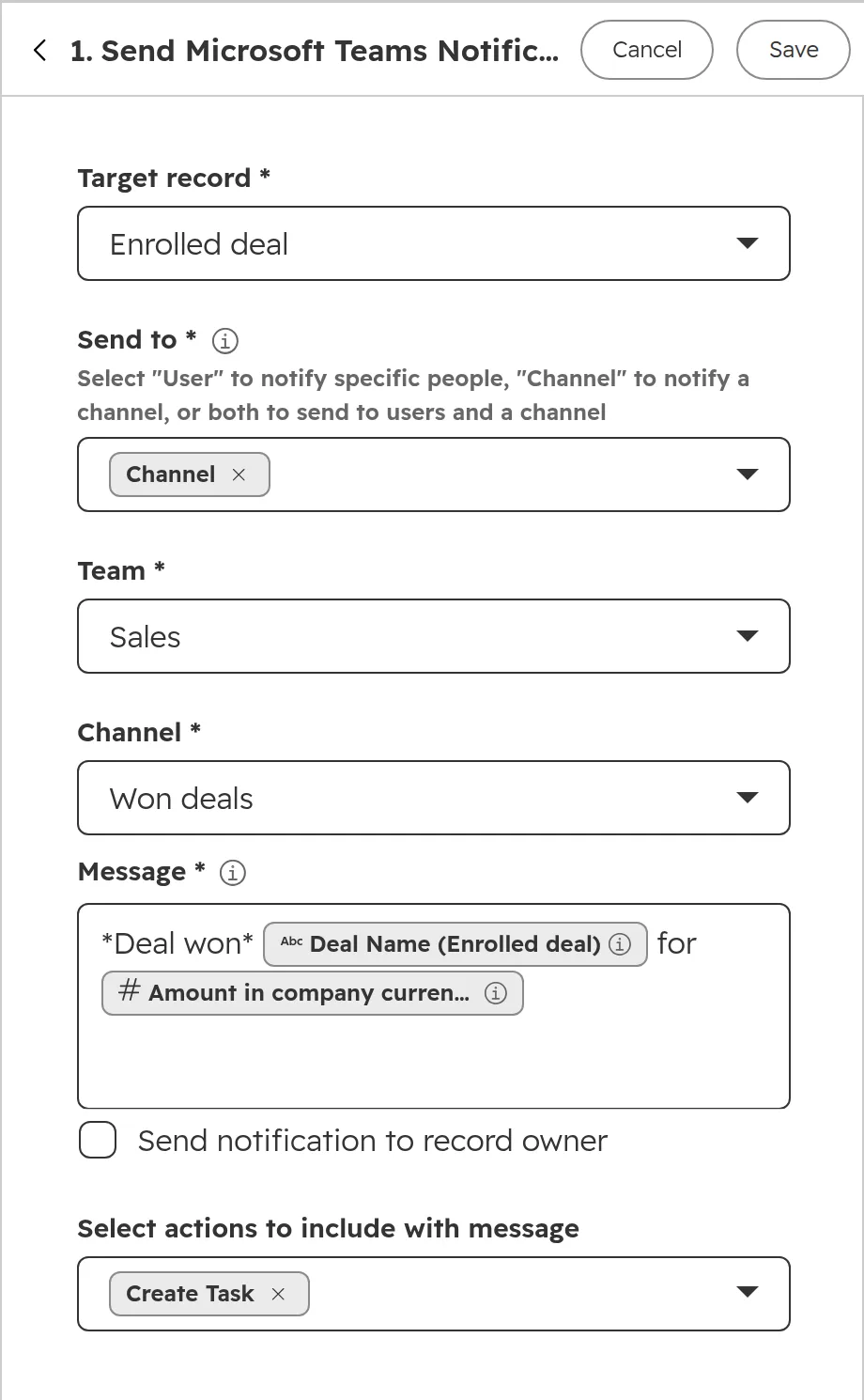
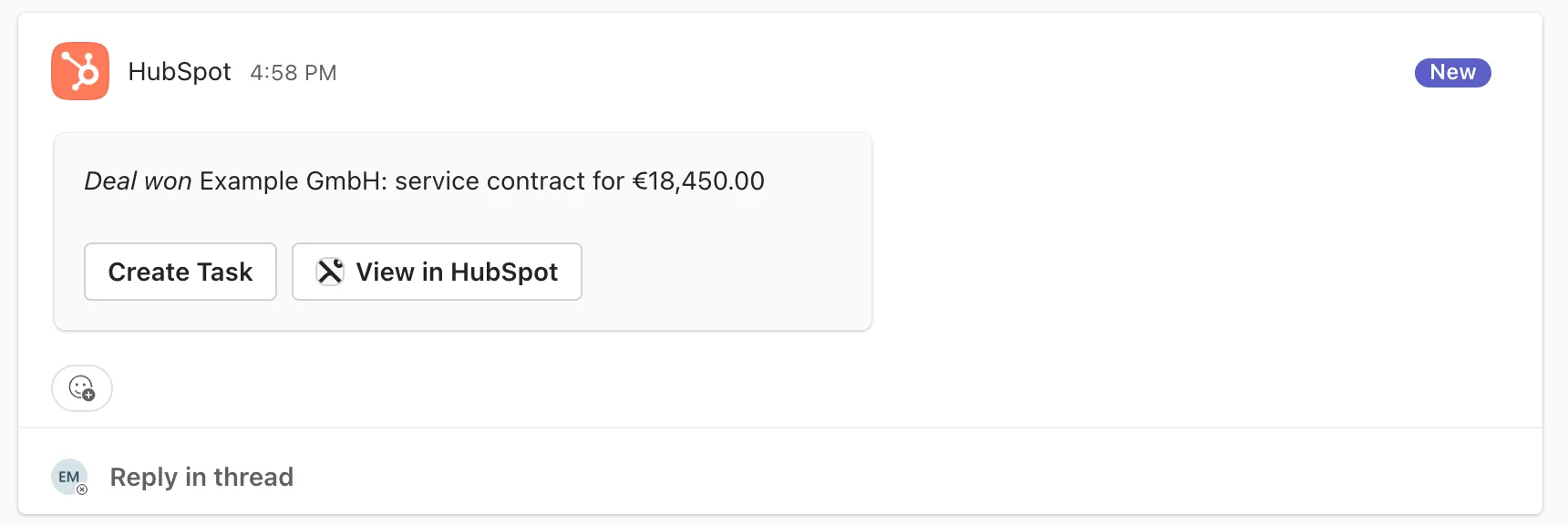
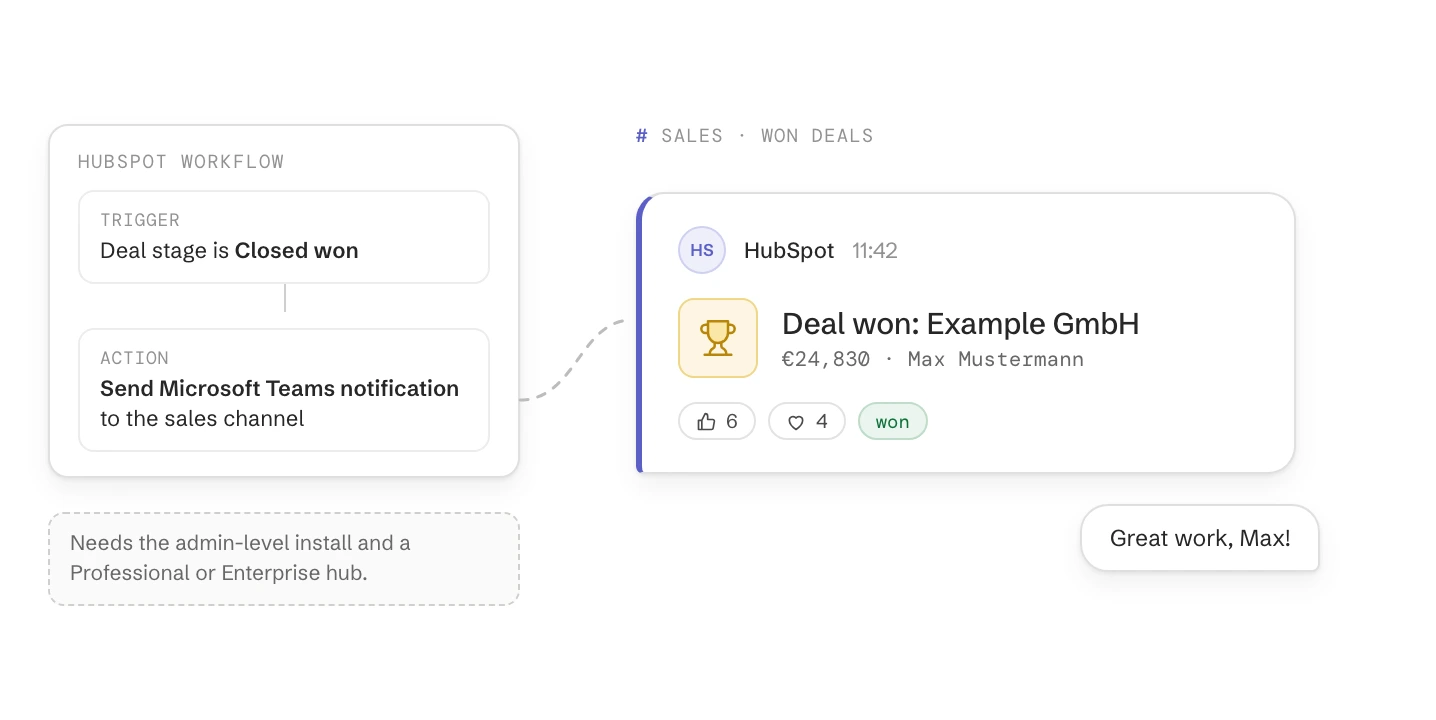
| A post in the sales channel for every won deal | Workflow action “Send Microsoft Teams Notifications” | Admin-level install, a Professional or Enterprise hub |
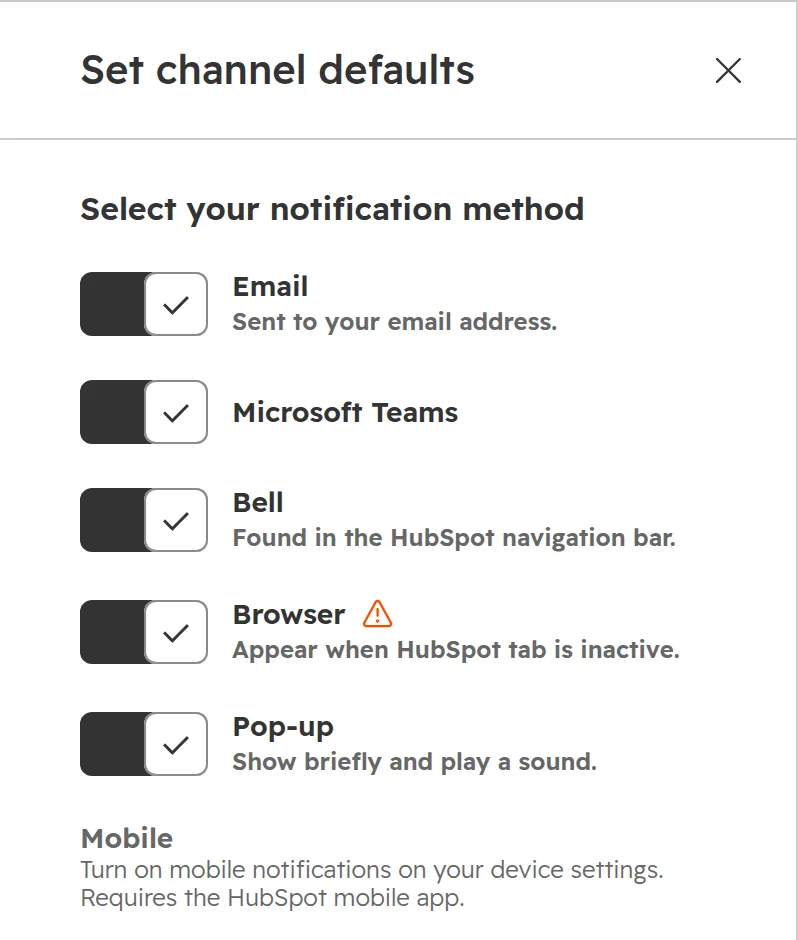
| Your own mentions, assignments and reminders in Teams | Settings > Notifications, tick Microsoft Teams | Any plan, either install level |
| A Teams link in every meeting booked with you | Meetings tool, location Microsoft Teams | Any plan, either install level |
| A task or ticket created straight from a chat | The HubSpot app in Teams | Any plan, either install level |
| A channel for a key deal or customer, with its activity | The Microsoft Teams card on the deal or company | Admin-level install |
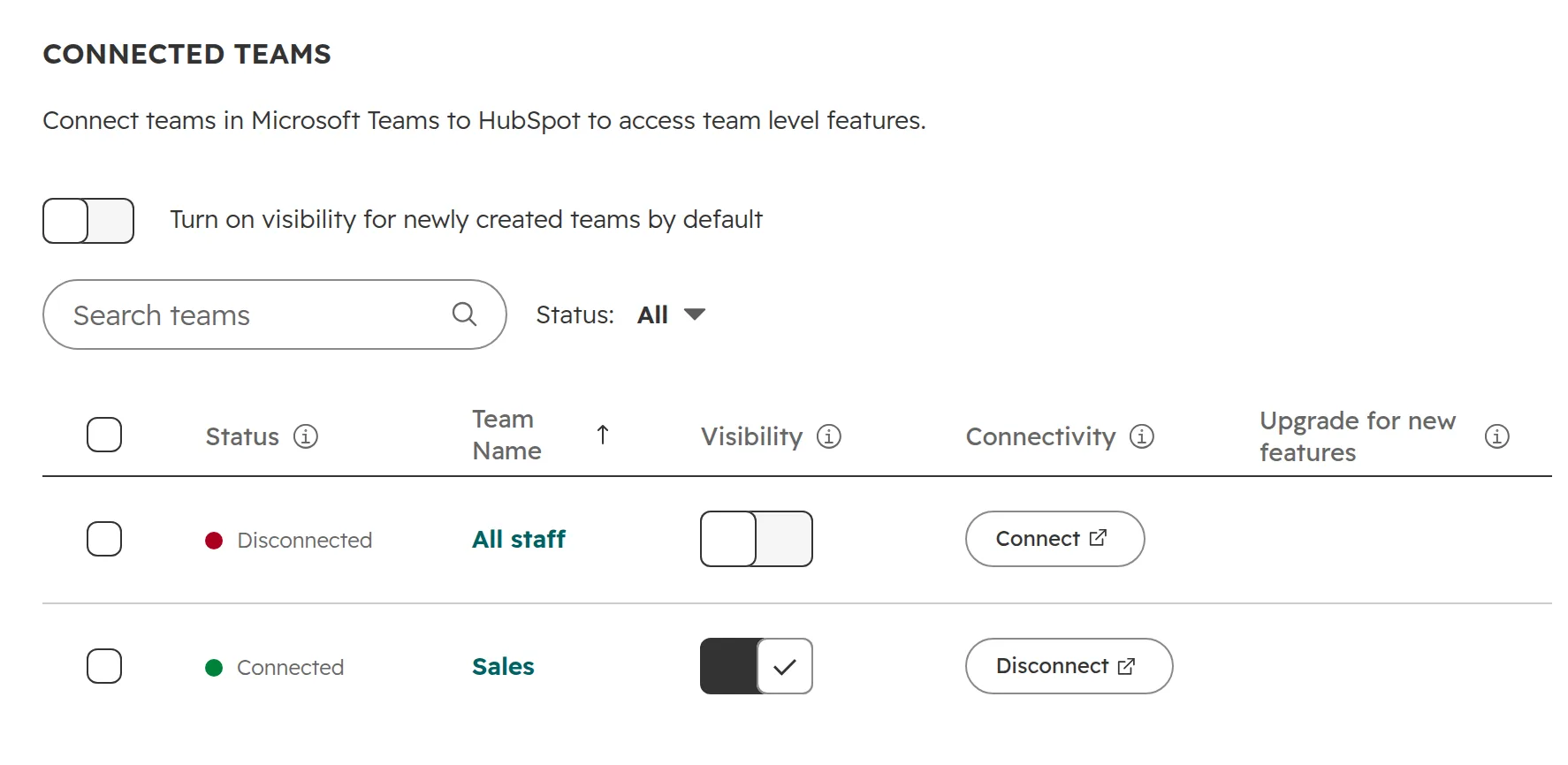
| Live chat, WhatsApp and inbox messages answered in a channel | Communications > Inbox in the app settings | Admin-level install, the team upgraded in HubSpot |
| Support tickets worked in a channel | Help desk sync | Admin-level install, Service Hub Professional or Enterprise |
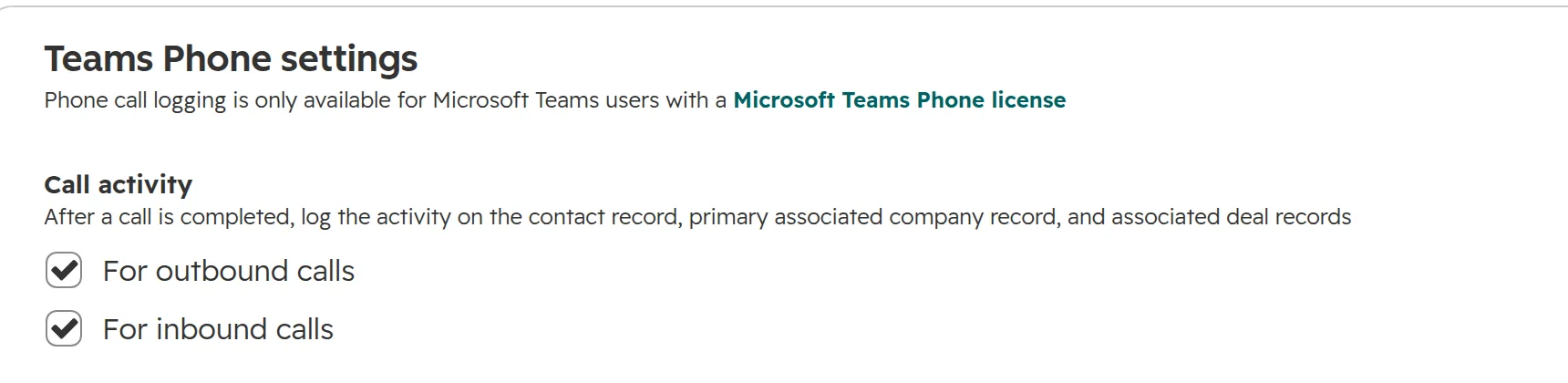
| Teams Phone calls on the contact | Teams Phone settings | Admin-level install, phone numbers stored in full |
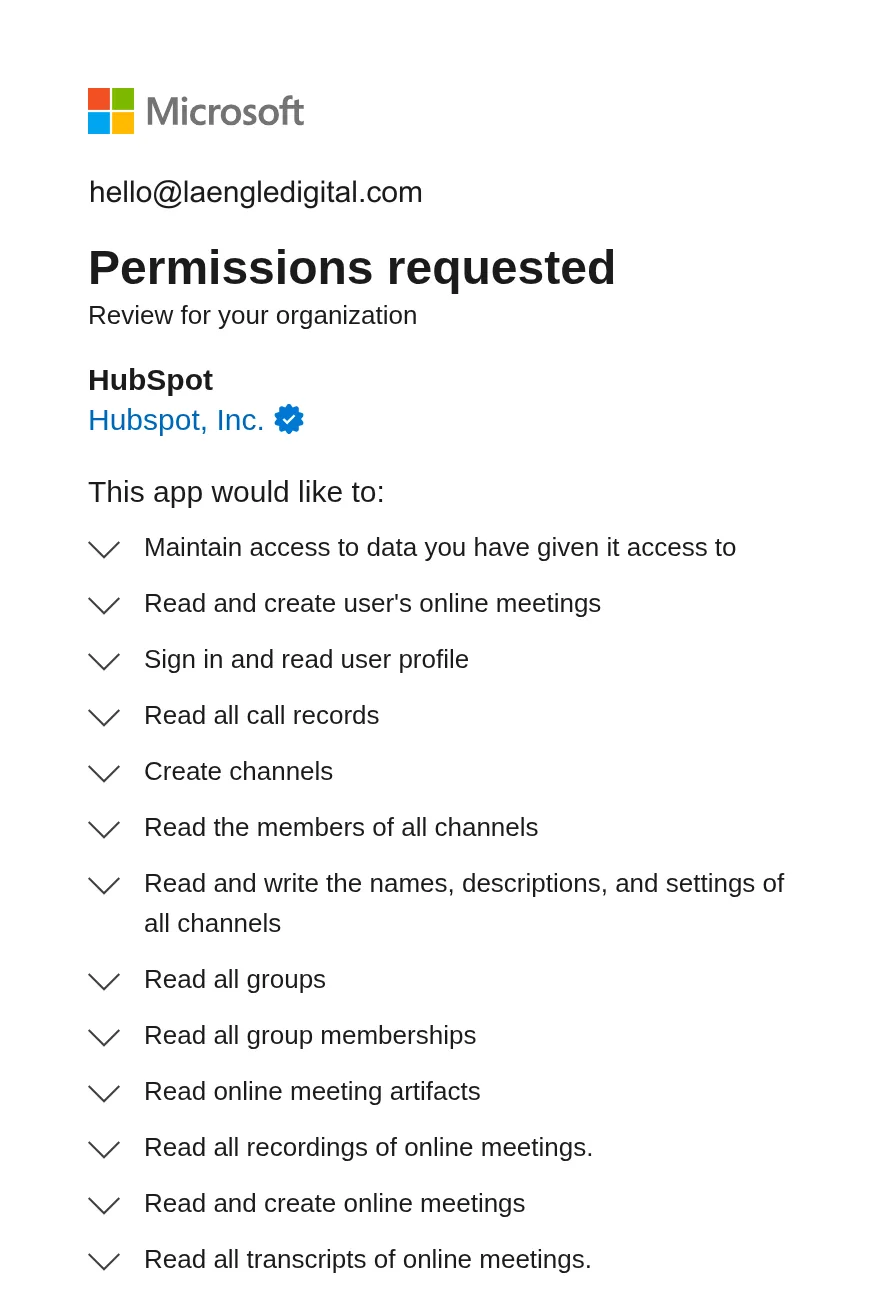
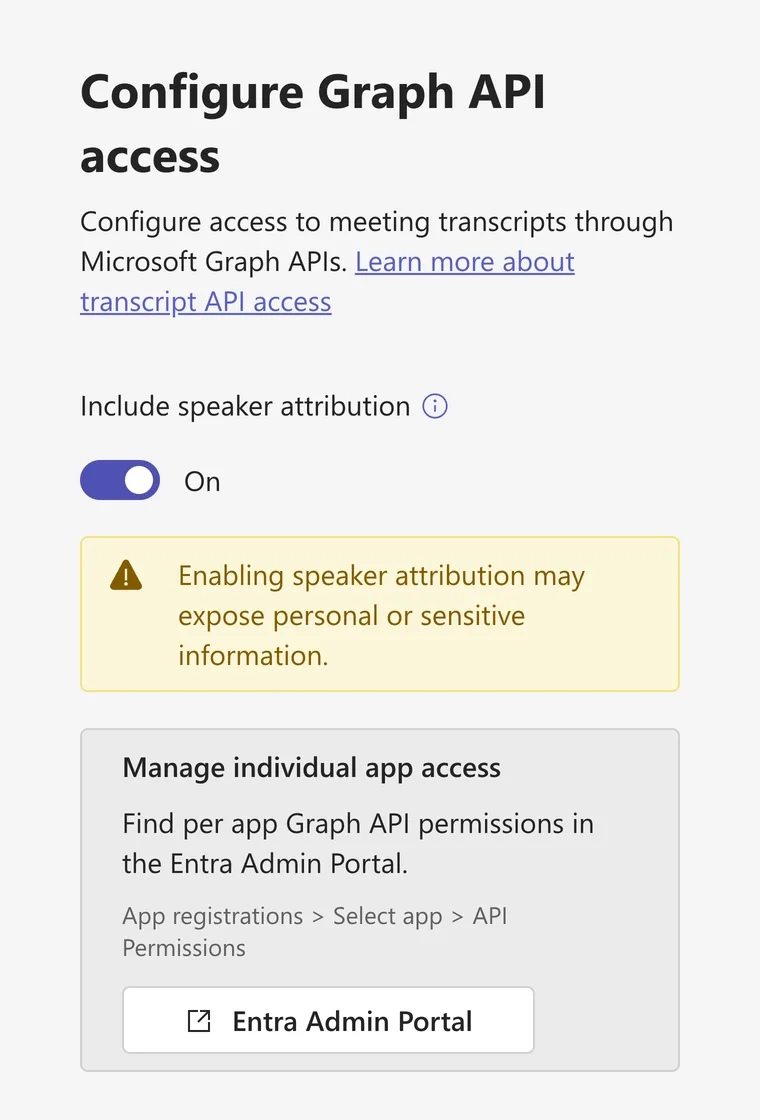
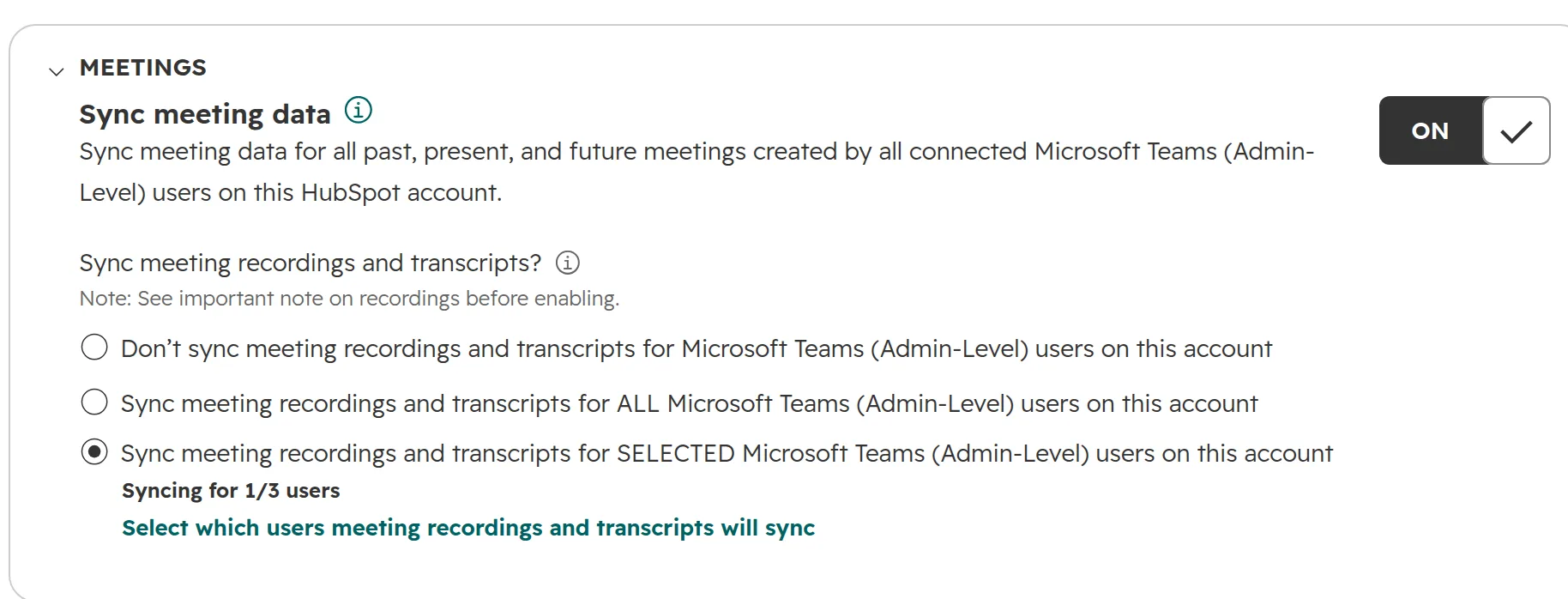
| Meeting recordings and transcripts on the meeting record | Meeting sync | Admin-level install, a PowerShell policy, two transcript settings in Teams |
| Webinar registrations and attendance as marketing events | Webinar sync | Admin-level install, a PowerShell policy |