Which HubSpot Outlook add‑in do you need?
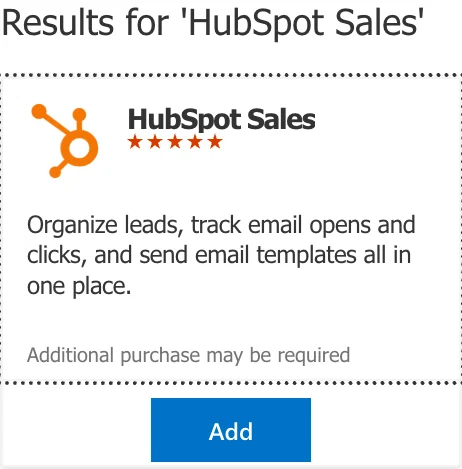
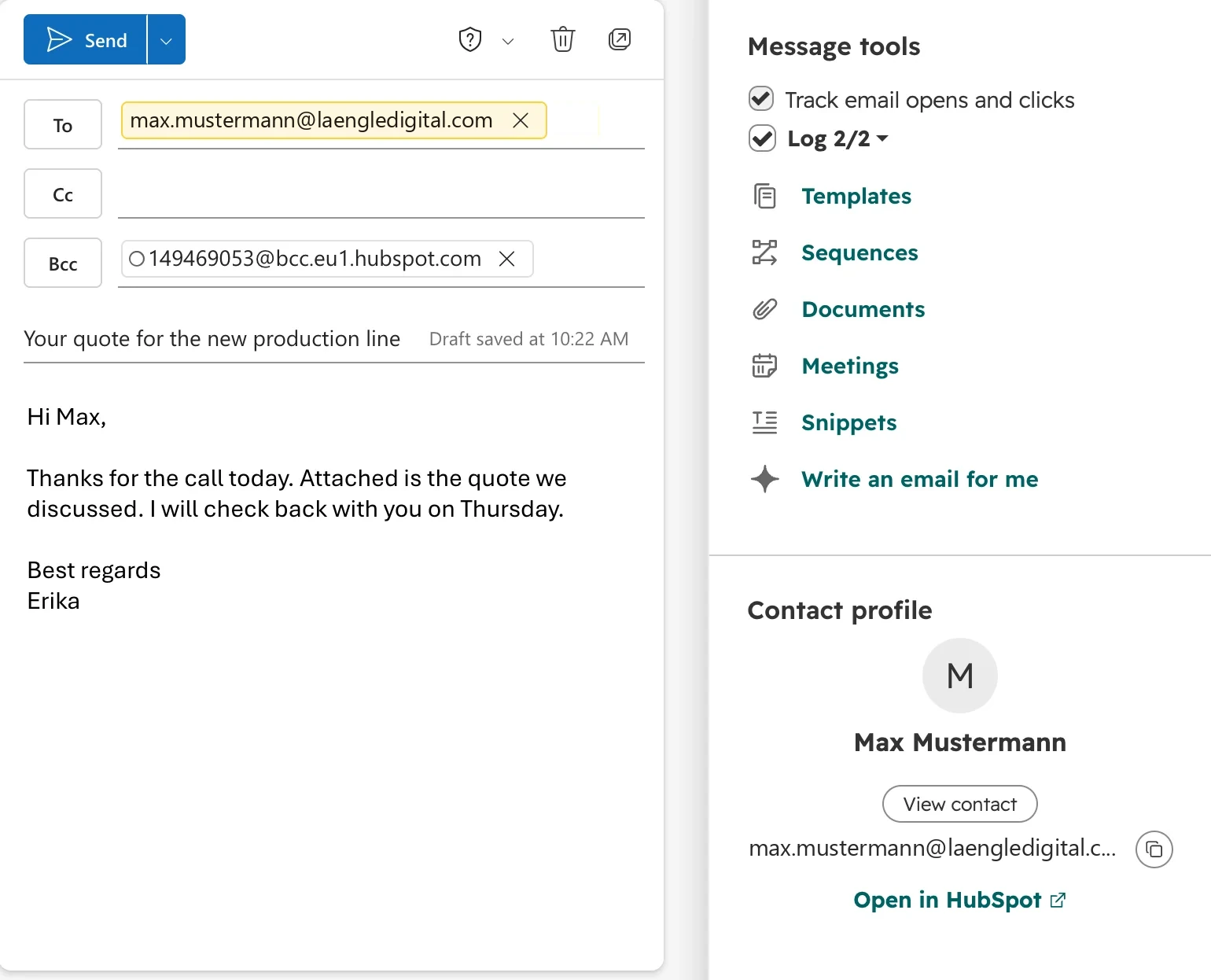
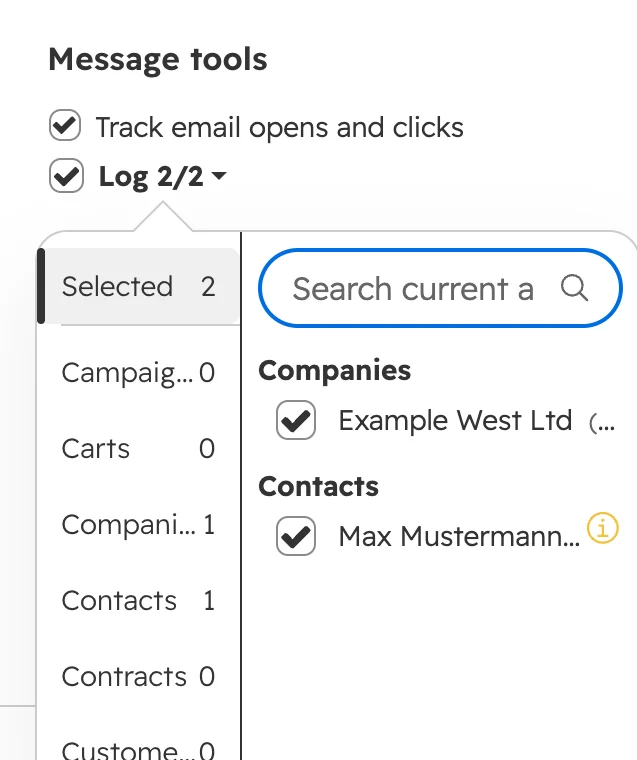
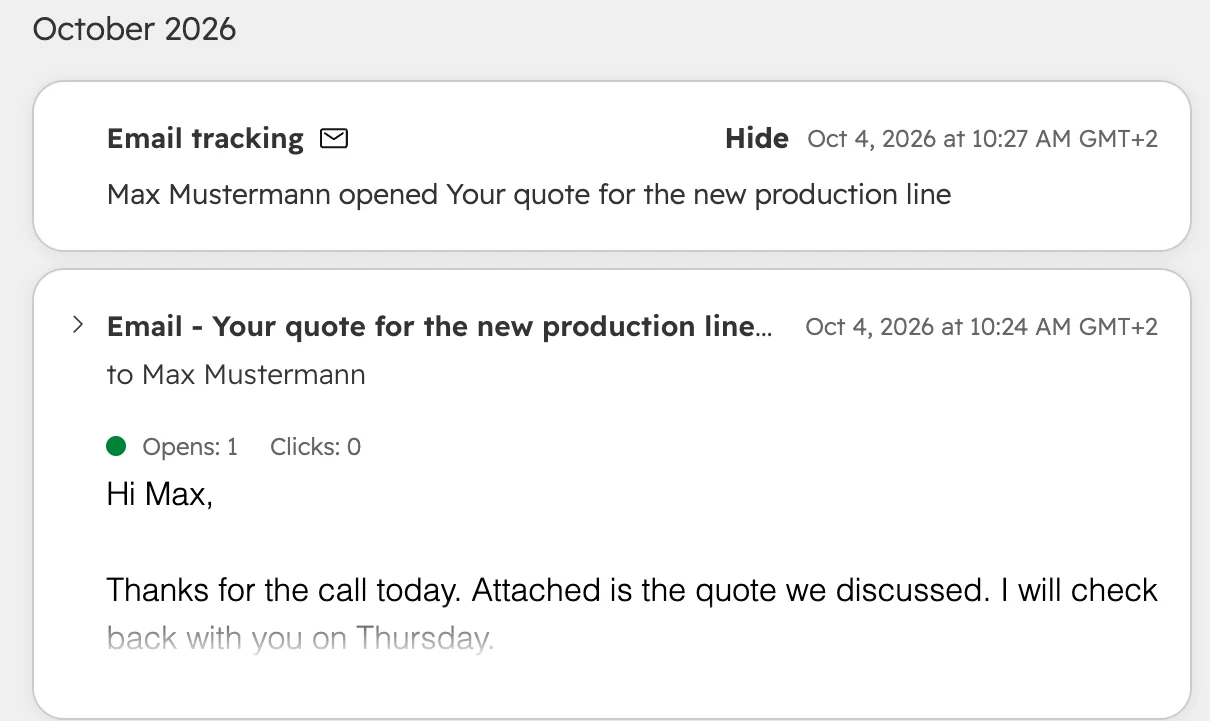
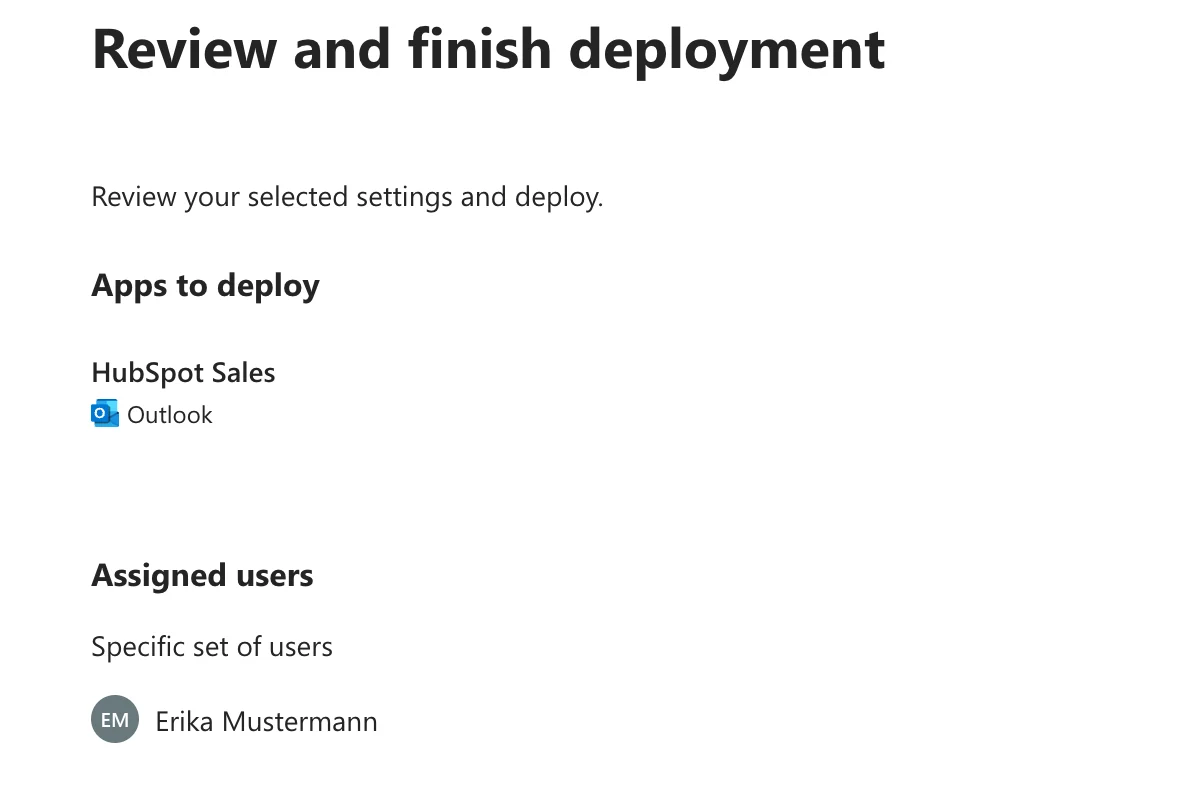
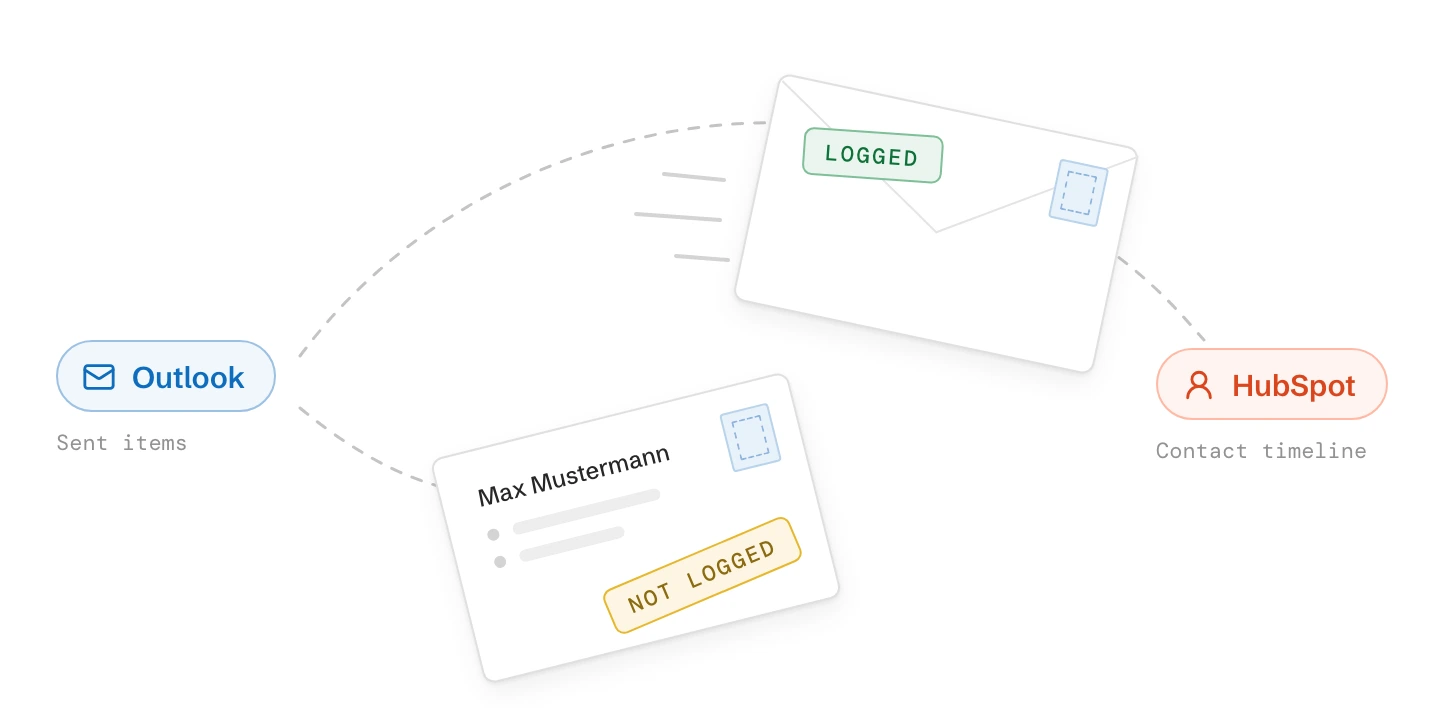
Choose the add-in by where your mailbox is hosted, not by which Outlook you open. HubSpot has two Outlook add-ins, and only one of them is still being developed. The Office 365 add-in logs emails to the records you pick, tracks opens and shows the contact’s HubSpot record while you write.
| Your setup | What works | What to know |
|---|---|---|
| Microsoft 365 mailbox in Outlook on the web, the new Outlook or classic Outlook (Windows or Mac) | Office 365 add-in | The add-in HubSpot still develops. Needs Outlook for Windows 1603 or later, or Outlook for Mac 15.33 or later |
| Microsoft 365 mailbox, Outlook installed from the Microsoft Store | No add-in | Install the Click-to-Run version of Outlook from your Microsoft 365 account instead |
| Exchange on your own server, or an IMAP or POP mailbox, in classic Outlook for Windows | Outlook desktop add-in | In maintenance mode: it still works, but gets no new features. Plan the move to Microsoft 365 |
| Google Workspace mailbox opened in Outlook | No add-in | Use the HubSpot Sales Chrome extension in Gmail, or the BCC address |
| Microsoft 365 bought from GoDaddy | No add-in | GoDaddy blocks third-party add-ins. Use the BCC address |
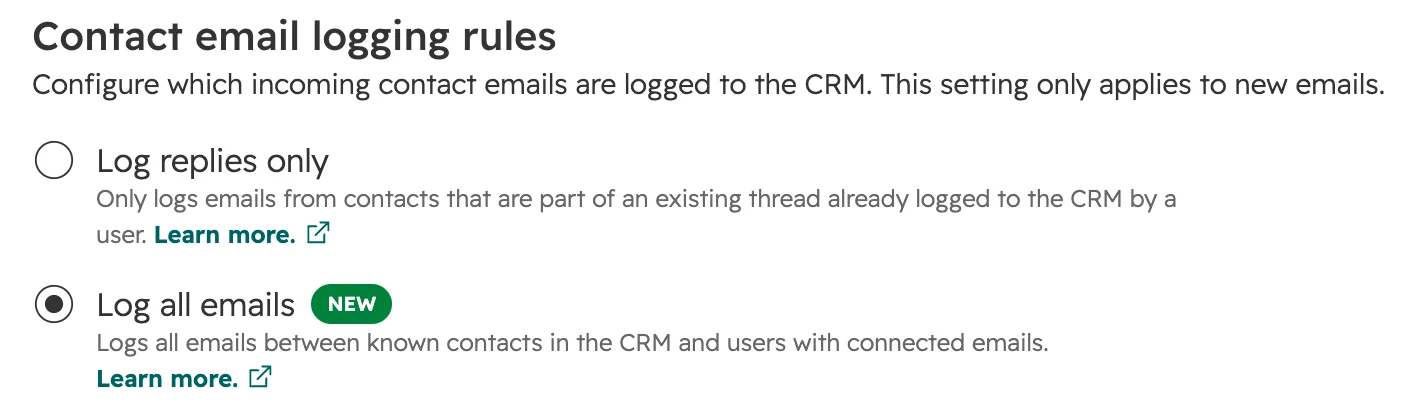
| Outlook on a phone | No add-in | The inbox connection’s logging rule logs emails with known contacts from the phone too |
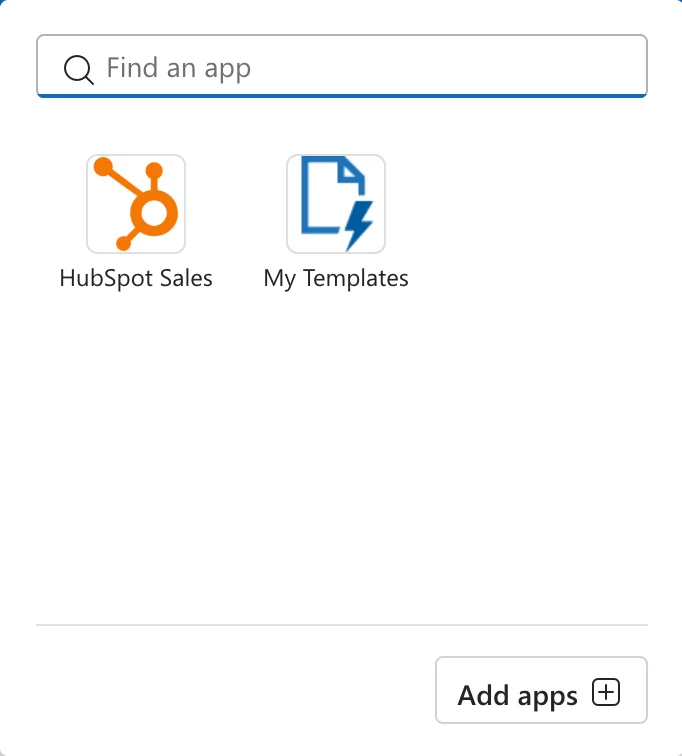
Never install both add-ins on the same computer. The two add-ins conflict, and HubSpot shows up twice in the ribbon. When someone moves from classic Outlook to the new Outlook for Windows, the Office 365 add-in installs itself, so remove the desktop add-in then. Microsoft supports classic Outlook until at least 2029, but the new Outlook only runs web add-ins.