Why HubSpot duplicates keep coming back: eight causes
A duplicate is a second record for a person or company that already has one. Duplicates are rarely typos. They start where data flows into the CRM, and they keep starting there. If you only merge the duplicates you have, you’ll be cleaning up again in three months. Fix the way records get written first.
How data comes inWhat your CRM holds
Max Mustermannmax.mustermann@example.comAlready there
Formprivate email address
Max Mustermannmax.mustermann@example.netDuplicate
Importrow without email
Max Mustermannno emailDuplicate
Salesentered by hand
Max Mustermannmax.musterman@example.comDuplicate
ERP synccreates, doesn’t search
Example GmbHcompany without domainDuplicate
These are the eight causes we see most often, why HubSpot doesn’t catch them, and what stops each one.
| Cause | Why HubSpot doesn’t catch it | What stops it |
|---|---|---|
| Import without an email column | Every row without a unique ID becomes a new record, even when the name and company already exist. | Email address or record ID as the unique ID in the import |
| Company import without the domain as ID | If the domain column is mapped as a normal property, HubSpot creates the company again instead of updating it. | Domain as the unique ID, mode “create and update” |
| Second email address (private, old employer) | If someone comes in with a new address and no browser cookie, HubSpot doesn’t recognise them and creates a new contact. | Add the second address as a secondary email on the existing contact |
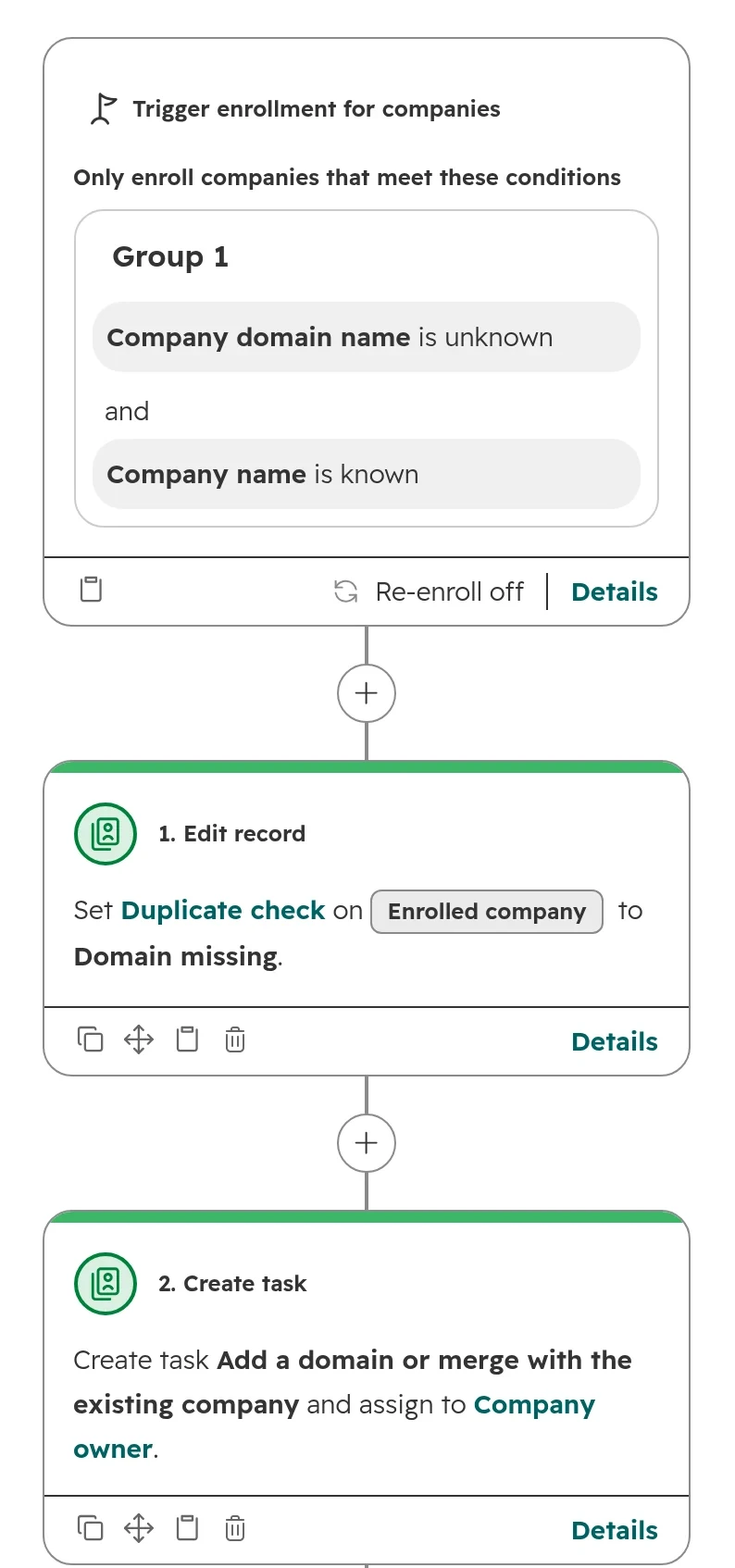
| Company without a domain | The domain is HubSpot’s only automatic match for companies. Without it, every spelling of the name becomes its own company. | Domain as a required field, a check workflow, the company name in forms as a contact property |
| Second domain (old domain, .at and .de) | HubSpot creates a separate company for every domain, and for every subdomain. | Further domains as secondary domains on the company |
| Integrations and apps | Companies created through the HubSpot API or a sync app aren’t matched on the domain. | The integration searches first and updates instead of creating |
| Spelling variants (ü and ue, GmbH, abbreviations) | Custom rules compare exactly, so Müller and Mueller count as two different names. | A rule for company names and a cleaned-up match key |
| Shared addresses such as info@ or purchasing@ | An address belongs to exactly one contact. The person writing from it changes. | Store the shared address as a company property |
Also check whether a workflow or an AI tool creates records. If companies keep appearing with the source “HubSpot processing” although automatic company creation is off, an AI setting for companies elsewhere in the portal is the likely cause.